← All curricula
Programme · Virtual reality

The Immersive Learning Project

Reimagining education through virtual reality

An eight-week programme that puts students inside the lesson. With Meta Quest headsets they walk through ancient cities, stand on the Moon, build in three dimensions and learn together in shared virtual spaces, and they also learn to ask when virtual reality helps learning, and when it does not.

Lead designer: Rohan Roberts
See the eight weeksMeet the designer
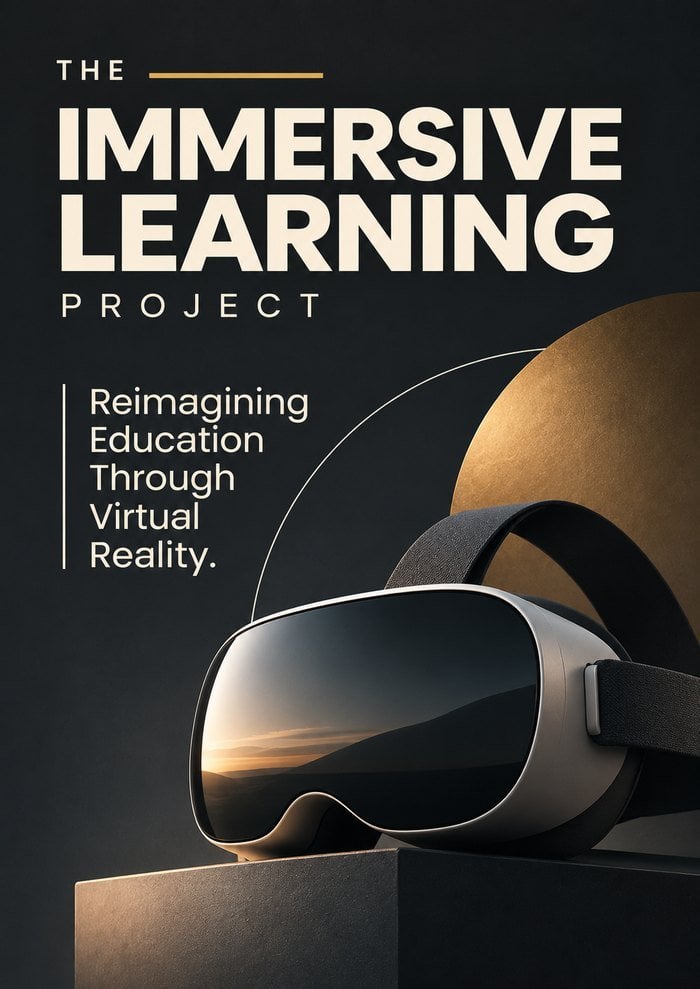
The Immersive Learning Project poster
8weekly sessions
1hour a week
10students per cohort
1showcase for families
About the curriculum

Step inside the lesson.

Most of school is learning about things from a distance: a picture of the Colosseum, a diagram of a cell, a description of the surface of Mars. Virtual reality changes the distance. A student can stand in the Colosseum, shrink down inside a cell, or walk across a crater, and feel that they are really there.

Researchers call that feeling presence, and it is powerful. It can make abstract ideas concrete, bring far-away places into the classroom, and let students practise things that are too dangerous, too expensive or simply impossible in real life.

But presence is not the same as learning. A dazzling experience can also overload the mind. So this programme teaches students to use virtual reality well: to explore, to make, to work together, and to judge for themselves when a headset makes learning better and when a book, a conversation or a walk outside would do more.

Why it matters

Immersive technology is moving into schools, museums, hospitals and workplaces. Students who understand how it works, and how it shapes attention and belief, are ready to use it wisely and to build with it.

What students gain

Hands-on skill with VR hardware and software, 3D design and creative expression, collaboration in shared virtual spaces, presenting to an audience, and the habit of asking what really helps us learn.

The human question

What is real? How does a powerful experience change what we believe? Who is left out when learning needs a headset? How long should we stay inside a virtual world?

In the classroom

Headsets on, lesson on.

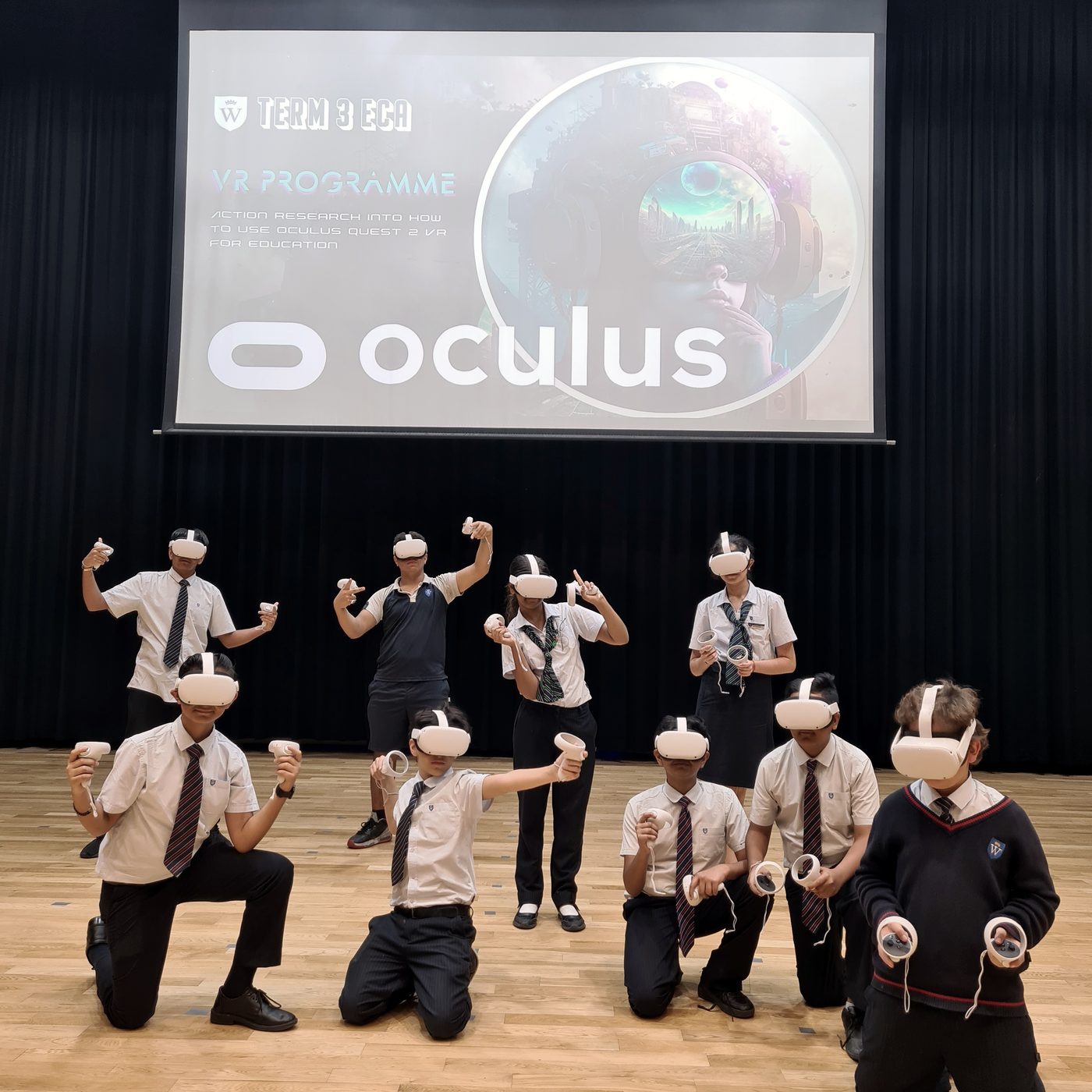
A whole class in VR headsets, posing in the school hall
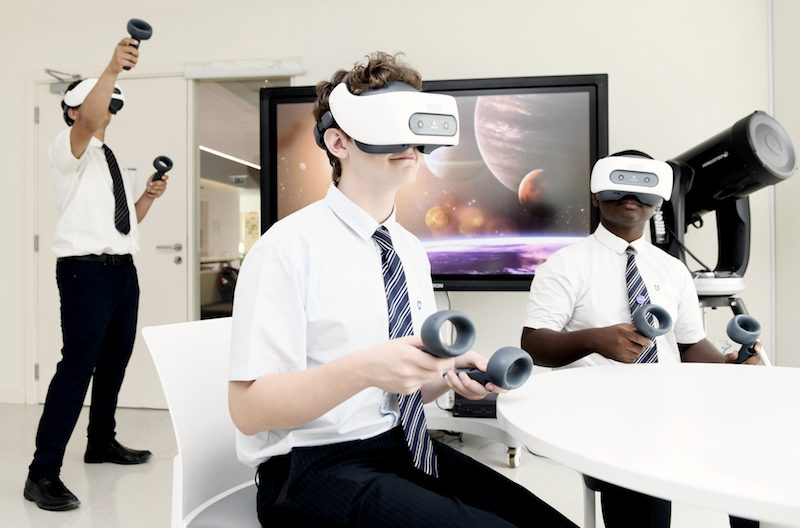
Three students in headsets around a classroom table
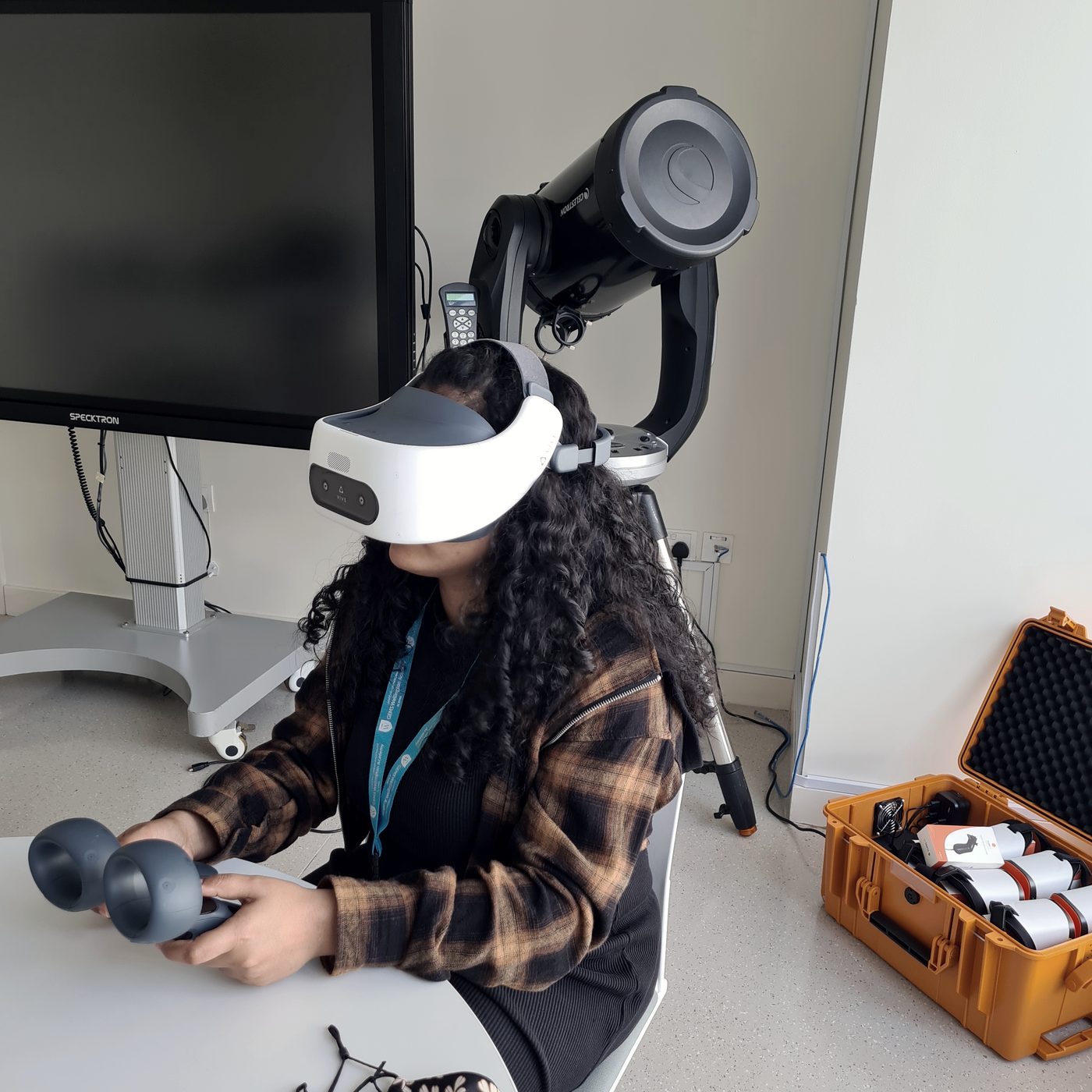
A student in a headset holds both controllers
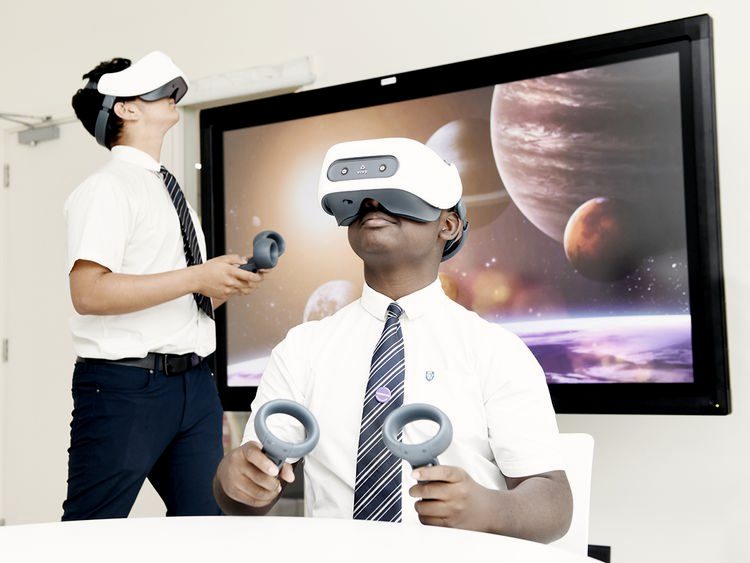
Two students in headsets in front of a space scene
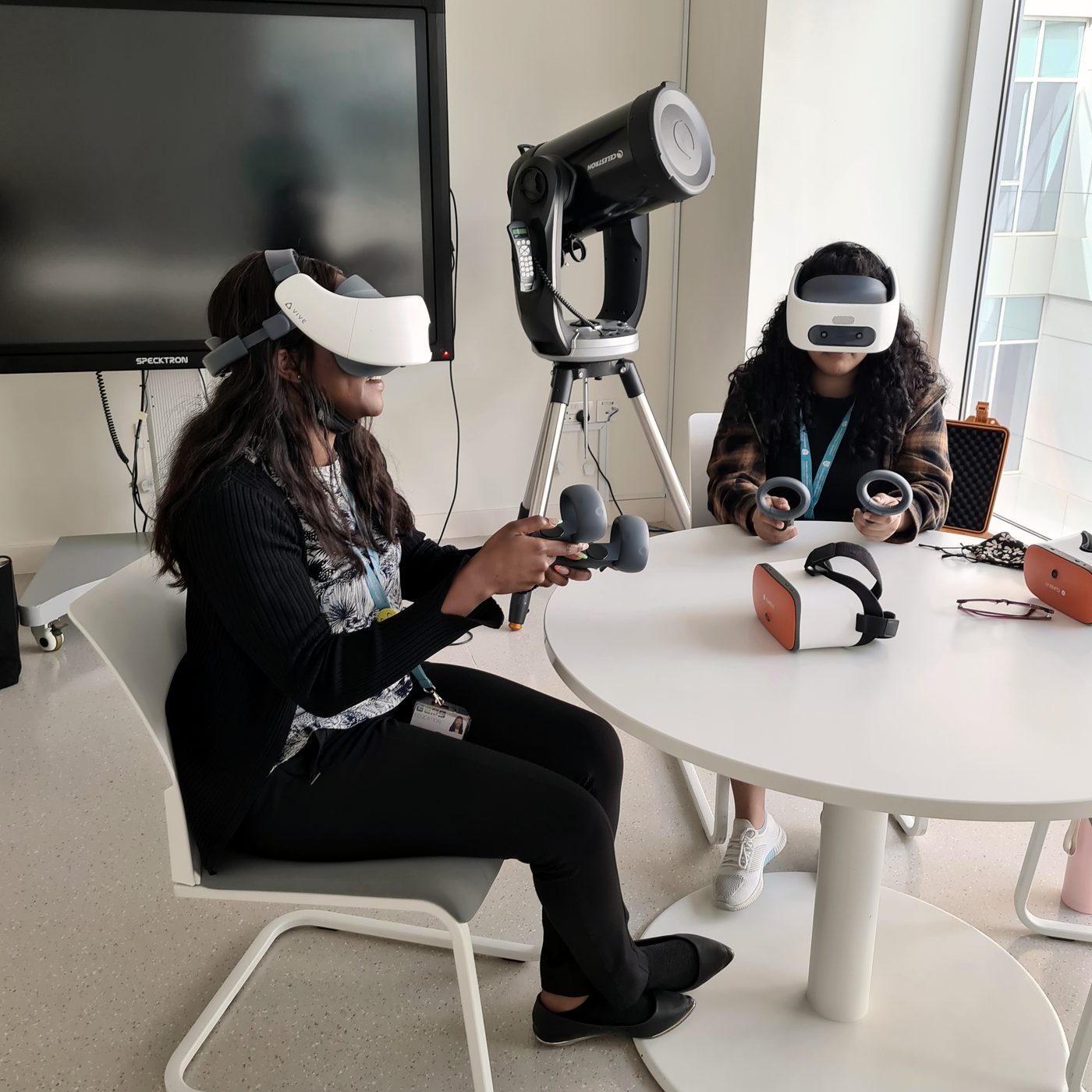
Two students try headsets at a table
The designer

Designed by Rohan Roberts.

Rohan Roberts was the lead designer of The Immersive Learning Project. He created it as an extra-curricular programme exploring the Oculus Quest in education, and shaped its arc: from setting up a headset safely, through virtual field trips and making things in 3D, to a final project in which students teach others with what they have learned.

The programme treats the headset not as a gadget but as a question: what can we learn by being somewhere that we cannot learn by reading about it? Students leave as thoughtful users and makers of immersive media, not only as its audience.

RR
Lead designerRohan Roberts
ConceptLearning by being there

The idea and the arc: presence in the service of understanding.

WritingEight weekly sessions

From first set-up to a final showcase, each with clear aims.

PracticeHands-on in VR

Field trips, 3D creation and shared virtual spaces on real headsets.

DeliveryExplore, make, share

A small cohort, an hour a week, and a showcase for families at the end.

“Give the pupils something to do, not something to learn; and the doing is of such a nature as to demand thinking, learning naturally results.”
John Dewey, Democracy and Education, 1916
The journey

Eight weeks. One new way of learning.

Week one

Introduction to the Oculus Quest

Getting started, safely

The hardware and software, setting up a headset, and the habits that keep everyone safe and comfortable.

  1. Inside the headset: screens, lenses, sensors
  2. Setting up and basic troubleshooting
  3. The app store and educational apps
  4. Safety, comfort and screen-time habits
Week two

Virtual Reality and Education

Why learn in VR?

What virtual reality is, what research says it can and cannot do for learning, and how to use it responsibly.

  1. Presence and immersion explained
  2. Benefits and limits in the classroom
  3. Real examples from schools and museums
  4. Ethics and responsible use
Week three

Exploring Educational Apps

A library of worlds

Hands-on time with apps across science, history, art and geography, and a fair way to judge them.

  1. Apps for science, history, art and geography
  2. Learning together in multiplayer apps
  3. A checklist for judging an app
  4. Does it teach, or only dazzle?
Week four

Creating Virtual Reality Content

From user to maker

Students become creators: sculpting, painting and building in three dimensions, then sharing their work.

  1. 3D painting and sculpting tools
  2. Making models and scenes
  3. Design for someone else to explore
  4. Sharing and giving feedback
Week five

Virtual Field Trips

Go anywhere

Virtual visits to landmarks, museums and natural wonders, and an honest look at what a real trip still does better.

  1. Historical landmarks and museums
  2. Natural wonders and other worlds
  3. Virtual and real trips compared
  4. Reflection: what did being there add?
Week six

Collaborative Learning in Virtual Reality

Learning together

Teamwork in shared virtual spaces, and what changes when we learn as avatars.

  1. Shared spaces and avatars
  2. Group tasks and projects in VR
  3. Communication without faces
  4. Benefits and challenges of working together
Week seven

Guest Speaker Session

Meet the field

A conversation with someone who uses VR in education or industry, and a look at the careers it opens.

  1. A practitioner's story
  2. Questions and answers
  3. Careers in immersive technology
  4. Reflection on what we heard
Week eight

Final Presentation and Showcase

Teach with VR

Students design and present a final project that uses VR to teach something, then share it at a showcase for families and other students.

  1. Planning a learning experience
  2. Presenting and receiving feedback
  3. Reflecting on the whole programme
  4. A showcase for families
Into other worlds

Step in, look around, learn.

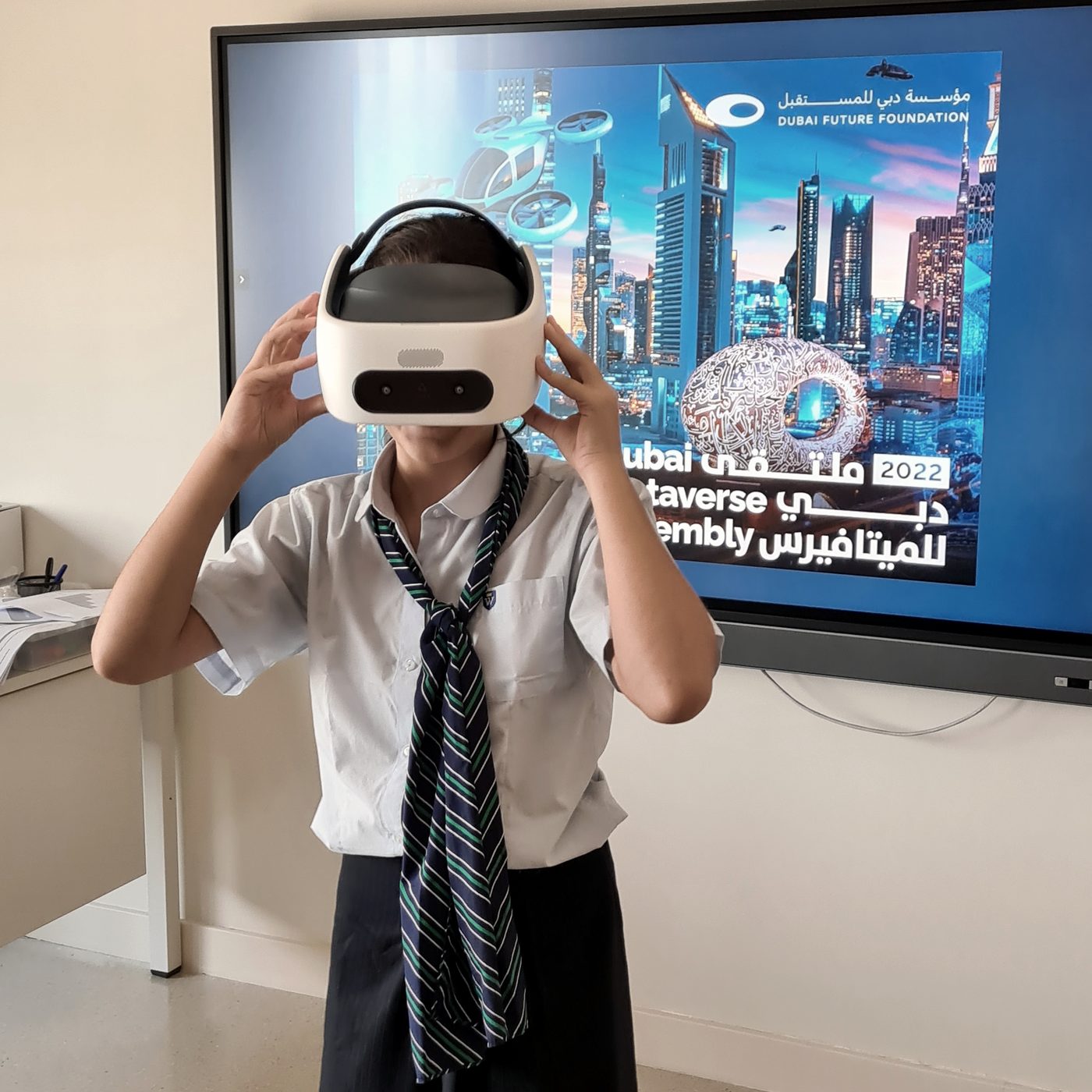
A student puts on a headset in front of a Dubai Metaverse screen
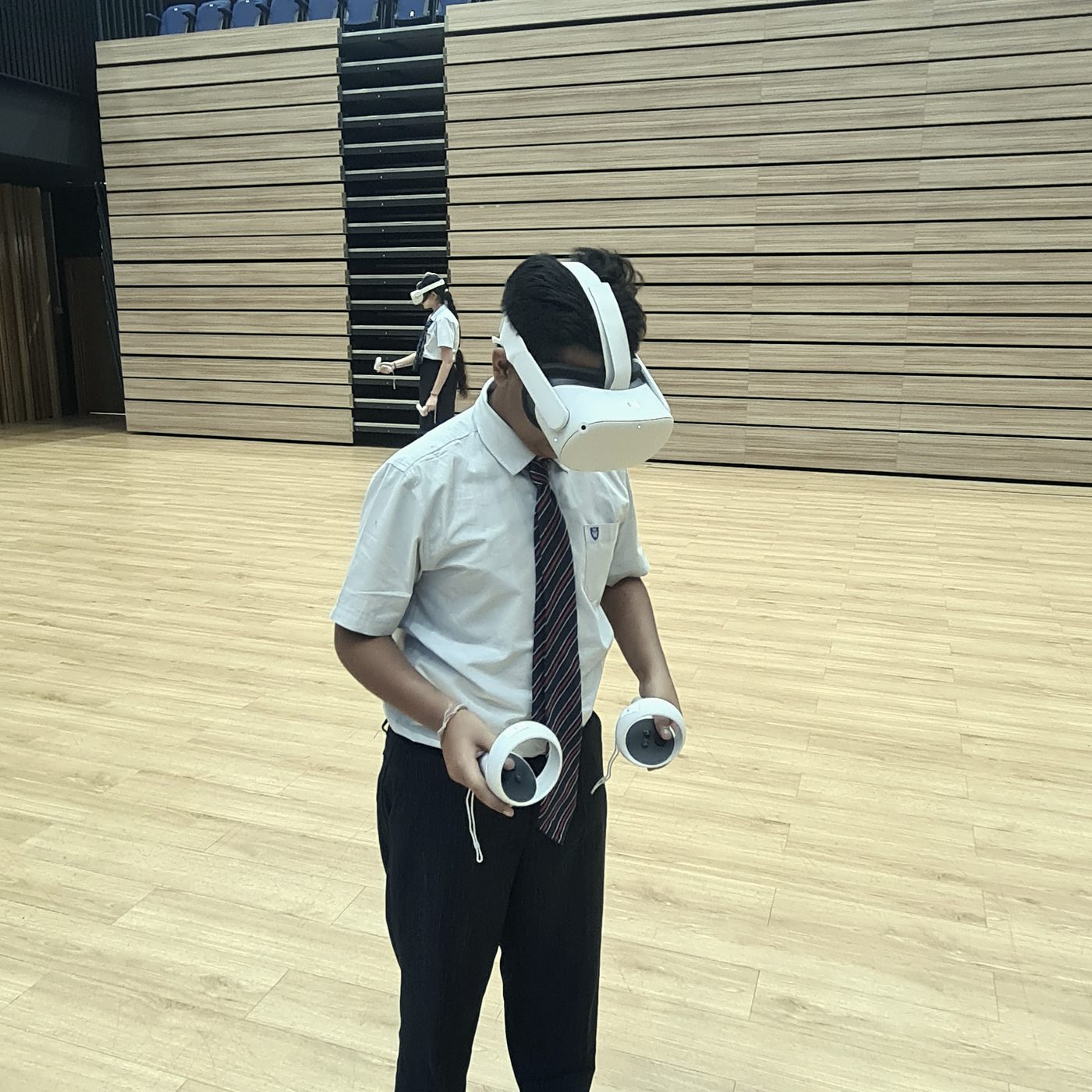
A student explores a virtual world in the school hall
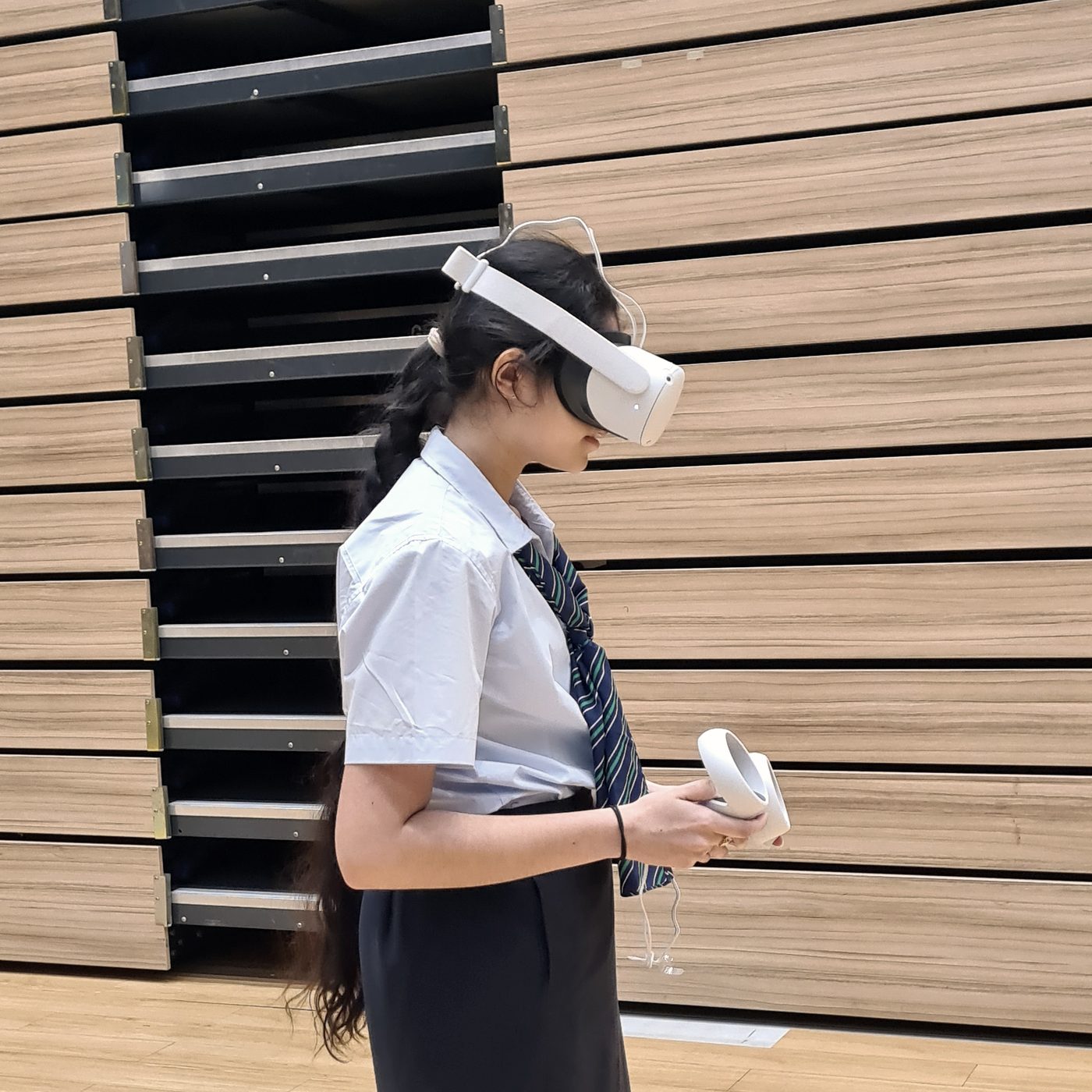
A student in a headset looks down at a controller
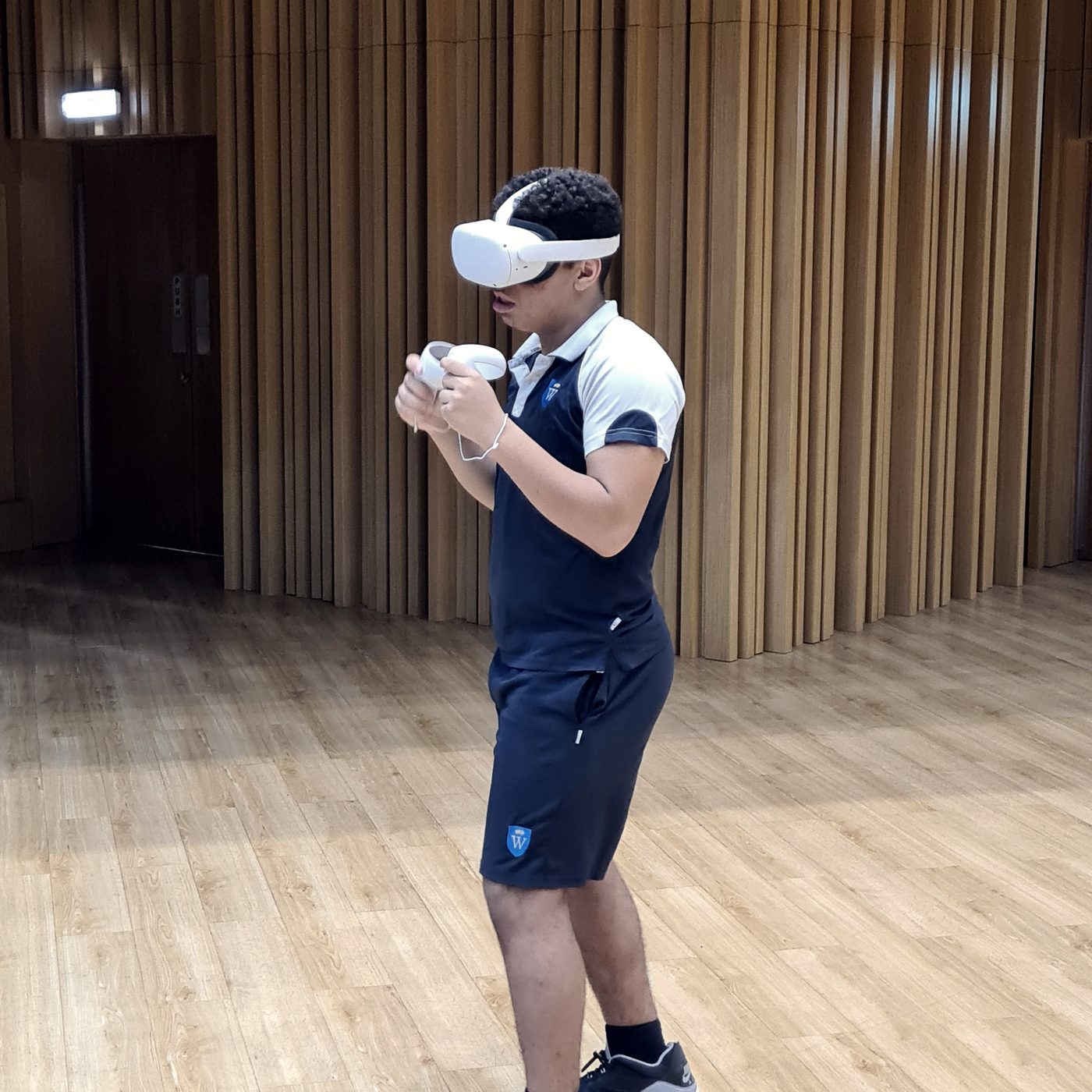
A student reaches out in VR in the hall
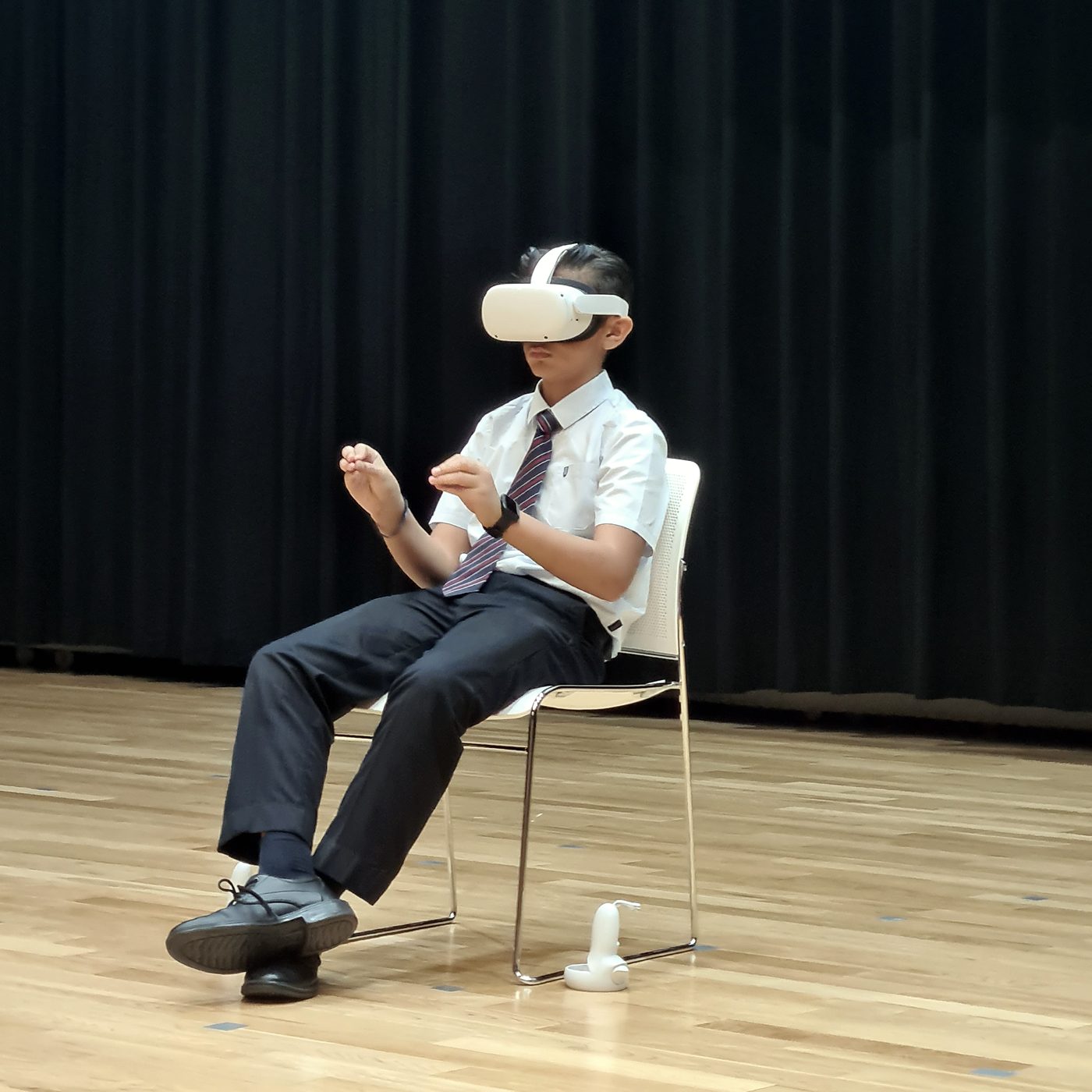
A student sits in a chair, exploring in VR
The thinkers

The thinkers behind the programme.

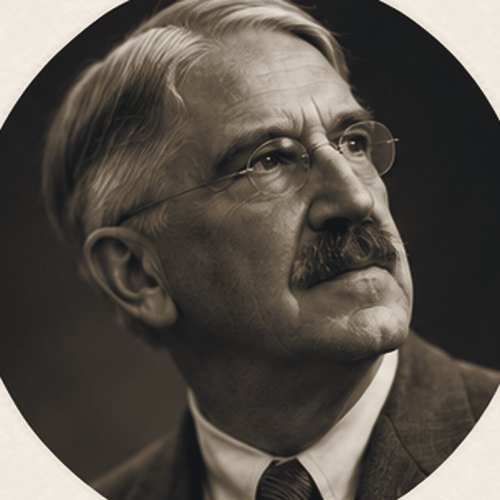
John DeweyJohn DeweyExperience and Education (1938)

We learn by experience.

Maria MontessoriMaria MontessoriThe Montessori Method (1912)
Hands-on learning through the senses.

Jeremy BailensonJeremy BailensonExperience on Demand (2018)

Stanford's Virtual Human Interaction Lab.

Chris DedeChris DedeHarvard Graduate School of Education

A leading researcher on immersive learning.

Brenda LaurelBrenda LaurelComputers as Theatre (1991)

A VR pioneer.

Nonny de la PeñaNonny de la PeñaImmersive journalism

The "godmother of VR".

Pedagogically sound

What the research says.

Learning by experience

John Dewey, Experience and Education (1938): learning grows from experience that is followed by reflection. Every VR session here ends with students talking and writing about what it meant.

The learning cycle

David Kolb, Experiential Learning (1984): concrete experience, reflection, ideas, then trying again. The eight weeks follow that cycle.

Presence

Mel Slater and Sylvia Wilbur, "A Framework for Immersive Virtual Environments" (Presence, 1997): immersion is what the technology offers; presence is the feeling of being there.

Immersion for engagement

Chris Dede, "Immersive Interfaces for Engagement and Learning" (Science, 2009): immersion can deepen engagement and help learning transfer to real life.

Experiences on demand

Jeremy Bailenson, Experience on Demand (2018): use VR for what is impossible, dangerous, expensive or counter-productive in real life, and keep sessions short.

Presence is not learning

Makransky, Terkildsen and Mayer (Learning and Instruction, 2019) found more presence but less learning when a lab simulation moved into VR; Makransky and Petersen's CAMIL model (2021) explains when VR helps. So: short sessions, clear aims, and reflection after.

Hands-on

Three things students make.

Project 1An app review

Students test an educational app against a shared checklist and write a short, fair review: what does it teach, and does VR really help?

Project 2A world to explore

Using 3D painting and building tools, students create a scene that teaches one idea, and guide a classmate through it.

Project 3Teach with VR

The final project: a short lesson that uses a VR experience, presented to the class and shown at the family showcase.

Outcomes

What students leave with.

Details

The curriculum.

Format
Extra-curricular: eight weeks, one hour a week
Audience
Key Stage 3 and 4 students (ages 11 to 16)
Cohort
Ten students
Equipment
Meta (Oculus) Quest headsets, educational apps, 3D creation tools
Assessment
Participation, hands-on work, group projects and a final presentation, with reflection throughout
Approach
Explore, make, share: experience first, then reflection
Lead designer
Rohan Roberts
See all curricula
Keep exploring

More curricula.